To create a Megaphone Studio user with Entra ID, different people must complete different tasks, as follows:
- An Entra ID admin must grant access to Megaphone
- If SCIM provisioning is not enabled, the owner of the user account being created must then sign into Megaphone Studio through Entra ID.
- The user's Team Manager (someone with the Team role in Megaphone Studio) must assign roles to the user in Megaphone Studio
To create a new Megaphone Studio user with Entra ID, follow the steps below.
Step 1) Entra ID Admin: Grant Access to Megaphone
1) Sign into Entra as an admin.
2) In the Entra ID dashboard, assign the Megaphone TV application to the desired Entra ID user.
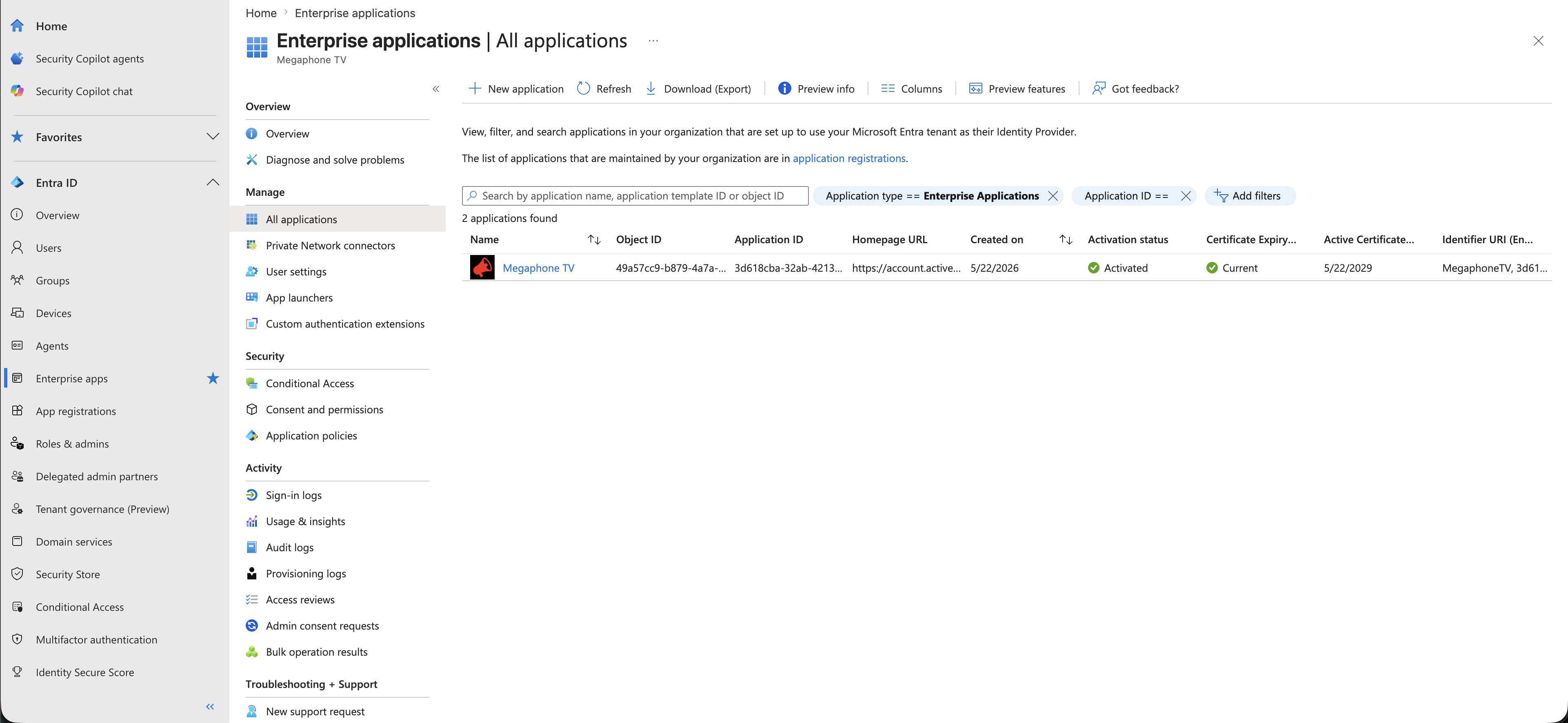
Step 2) New User: Sign Into Megaphone Through Entra ID
If Entra ID SCIM provisioning is enabled for your organization, this step is automatic. Skip to Step 3. |
If Entra ID SCIM provisioning is NOT enabled for your organization, then after the user has been granted access to Megaphone Studio in Entra ID, that user must follow these steps to sign into Megaphone Studio:
- 1) Sign into the Entra dashboard.
- 2) Click Megaphone TV to sign into Megaphone Studio.
When the new user signs in through Entra ID, Megaphone Studio automatically creates a corresponding Megaphone user account.
Step 3) User's Manager: Assign Roles
Now that the new user has a Megaphone Studio account, a Team Manager must grant the user access to the desired Megaphone projects.
A Team Manager is a Megaphone Studio user that has the Team role, which allows them to grant access to content creation, operations, and usage statistics. |
As a Team Manager, follow these steps:
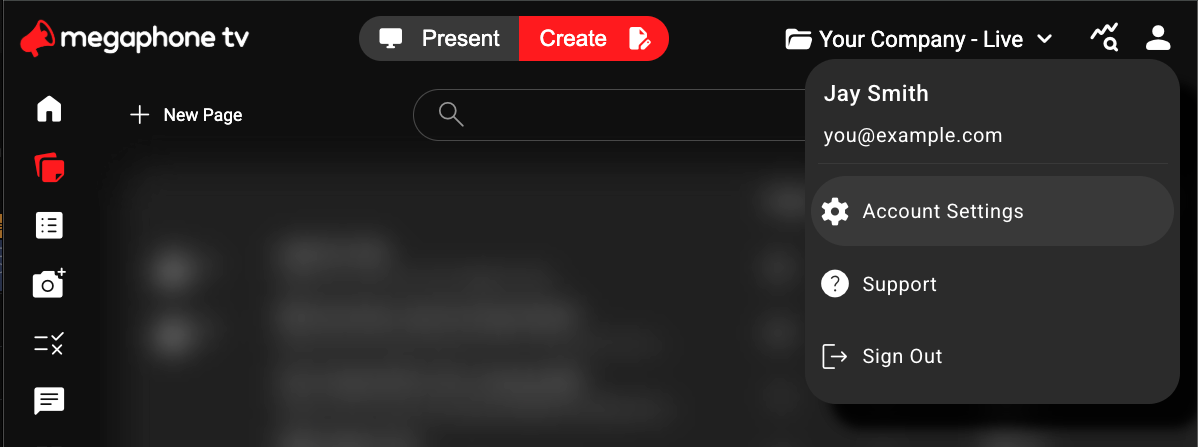
- In Megaphone Studio, open Account settings.
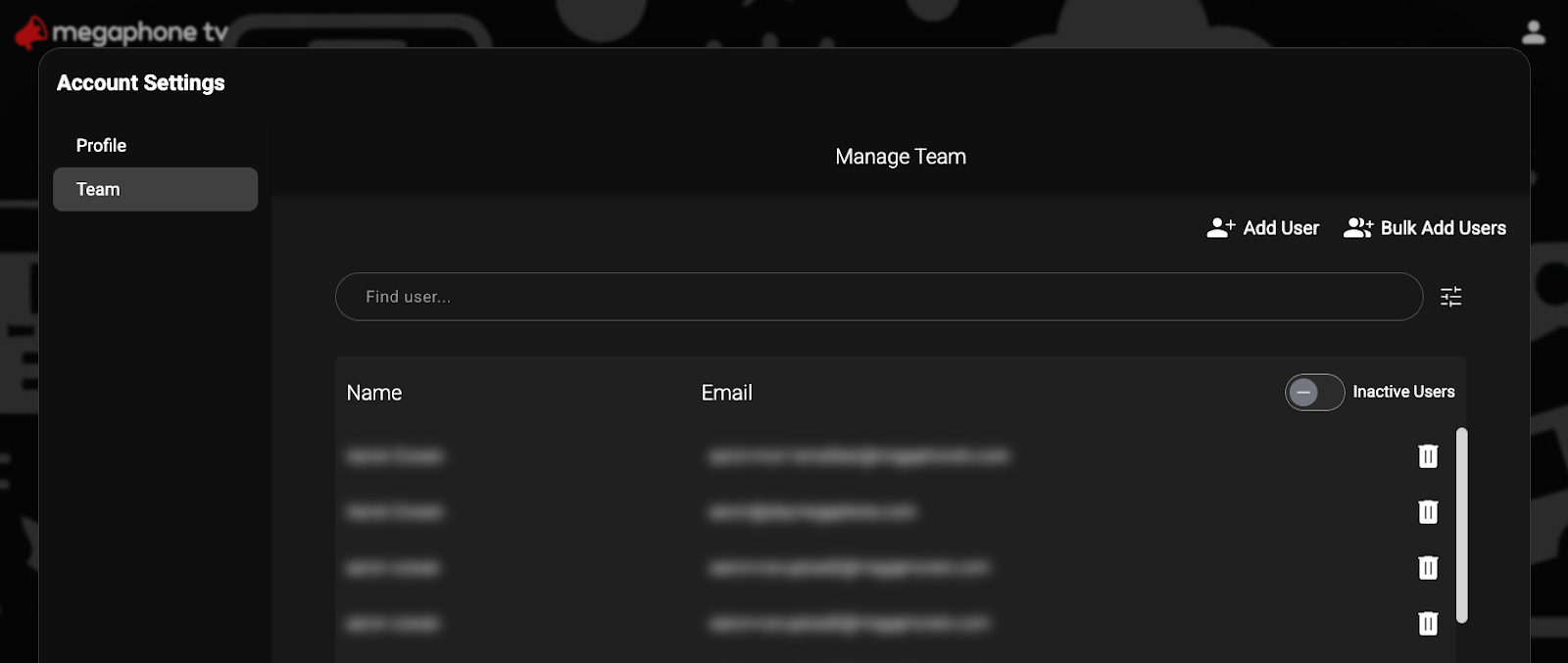
- In Account Settings, select the Team tab.
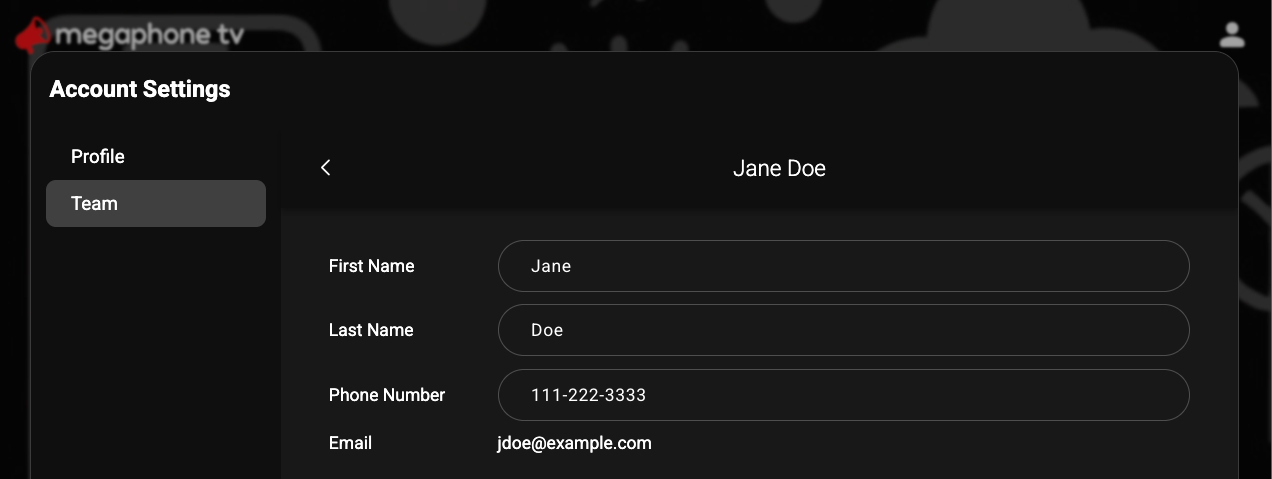
- In the Team tab, select the user.
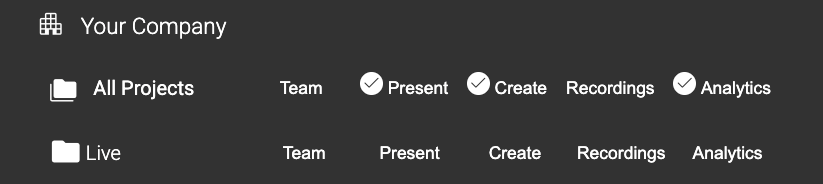
- Under Add Roles, select the desired roles. For example, to give the user access to Studio's Present tab, Create tab, and usage statistics, select Present, Create, and Analytics, as shown below. To learn more about Roles, see How to Add or Remove User Roles.
You're All Done!
Once the new Megaphone Studio user has been assigned roles, they can sign into Megaphone Studio through Entra ID and access Megaphone projects. Remember that all Entra ID-linked Megaphone Studio users must always use Entra ID to sign in. Attempts to sign into Megaphone Studio directly will be politely refused.
Was this article helpful?
That’s Great!
Thank you for your feedback
Sorry! We couldn't be helpful
Thank you for your feedback
Feedback sent
We appreciate your effort and will try to fix the article