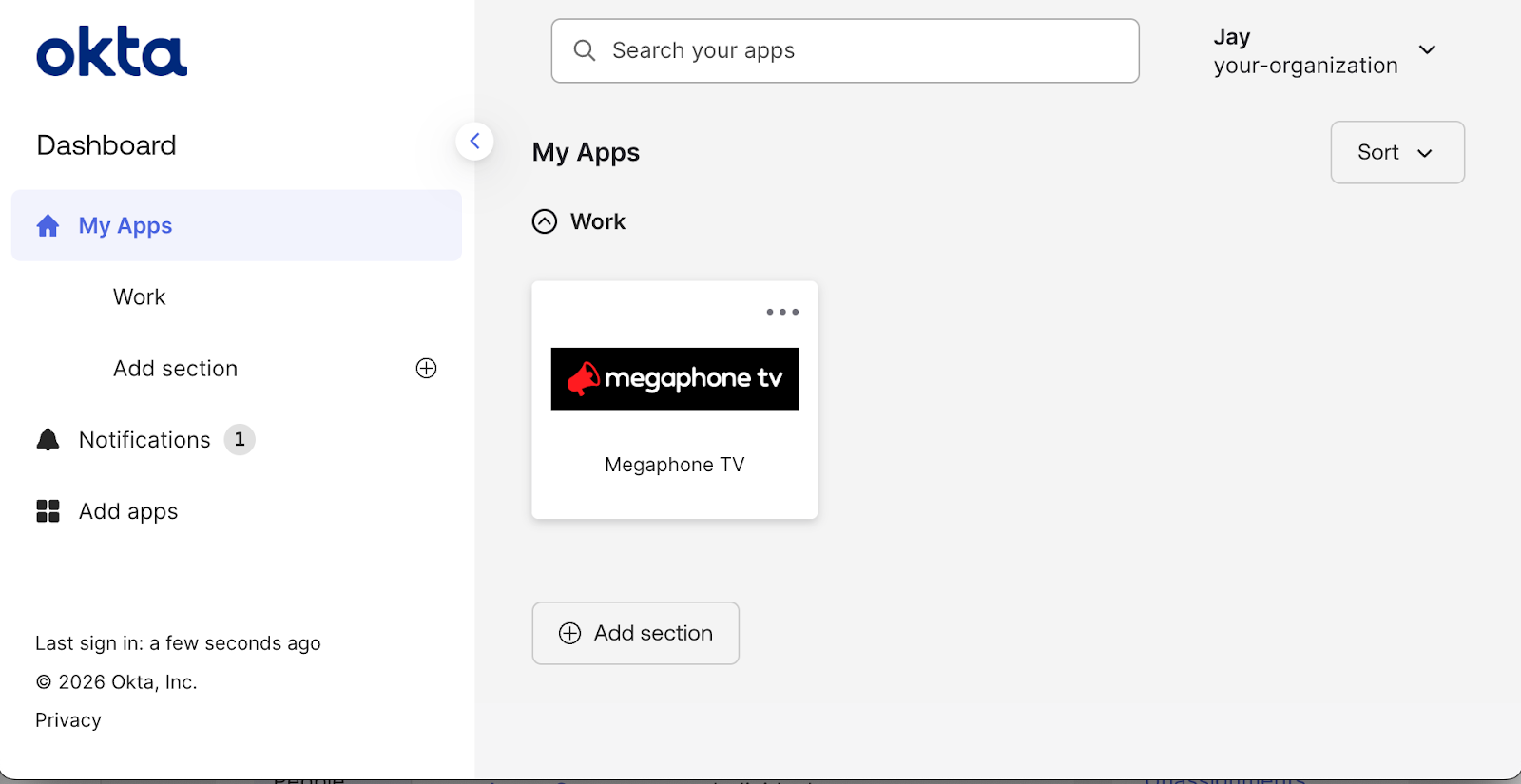
Okta is an Identity and Access Management (IAM) service that provides a unified dashboard for signing into applications such as Megaphone Studio. If your company uses Okta, you won't be able to sign into Megaphone Studio directly. Instead, you'll need to follow these steps to sign into Megaphone through the Okta dashboard:
- Sign into the Okta dashboard.
- In My Apps, click Megaphone TV to sign into Megaphone Studio.
If you don't have access to Megaphone Studio yet, you'll need to follow the instructions for creating a Megaphone Studio user with Okta.
If you're able to sign into Megaphone through Okta, but you don't see any content, you'll need your Team Manager to add roles. For instructions, see How to Add or Remove User Roles.
For general information on Okta, see Okta's End-User Dashboard documentation.
Was this article helpful?
That’s Great!
Thank you for your feedback
Sorry! We couldn't be helpful
Thank you for your feedback
Feedback sent
We appreciate your effort and will try to fix the article